Shift: The Browser for Productivity
Centralize emails, apps, and workflows for ultimate productivity.
Executive Summary
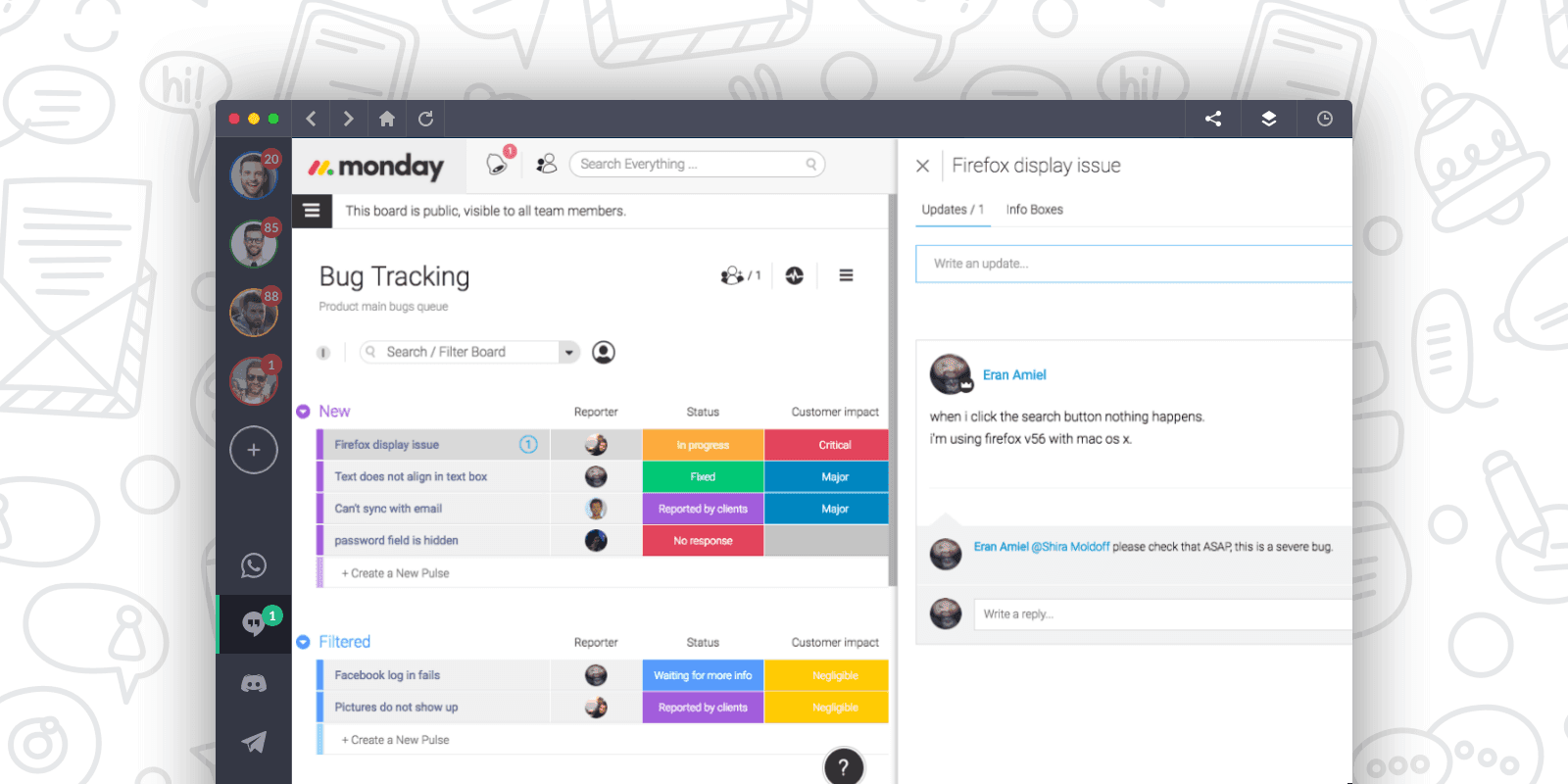
Shift is a dedicated desktop application designed to streamline digital workspaces and boost productivity by centralizing multiple email accounts, web applications, and workflows. It provides a unified interface where users can seamlessly manage various email inboxes, calendars, and a wide array of productivity apps without the constant need to switch between browser tabs or log in and out of different accounts. This consolidation helps reduce context switching and creates a more organized environment for managing diverse professional and personal tasks. The platform supports integration with popular services like Gmail, Outlook, Slack, and Workato, allowing users to connect their essential tools and access them all from a single command center. Shift is particularly beneficial for individuals and teams who juggle multiple client accounts, projects, or roles, such as freelancers, virtual assistants, small business owners, and marketing teams. By offering a structured approach to digital organization, Shift aims to improve efficiency and enhance work-life balance for its users.
Use Cases
- Managing multiple client accounts and their respective tools/emails.
- Consolidating various email inboxes (Gmail, Outlook, non-Gmail/Outlook) into one interface.
- Streamlining workflows for virtual assistants or freelancers with diverse client portfolios.
- Organizing multiple apps and accounts for marketing teams or business owners.
- Improving productivity and reducing context switching for professionals juggling many digital tasks.
Features
Visibility
- Unified Workspace: Access all your email accounts, calendars, and applications from a single, organized desktop interface.
- Multi-Account Management: Seamlessly switch between multiple email accounts (Gmail, Outlook, others) and app instances without logging in and out.
- App Integration: Connect and manage all your favorite productivity apps within Shift, turning your browser into a command center.
Support
- Getting Started Guides: Access quick tips and best practices to help users set up and maximize their productivity with Shift.
Technical Specifications
- Architecture
- Desktop application (Mac/Windows) with cloud sync
- Deployment
- On-Premise
- API Available
- No
Pricing
- Model
- Freemium with paid plans (Free, Advanced, Teams)
- Starting Price
- $0
- Target Customer
- Individual Professionals,Freelancers,SMB,Teams
- Contract Type
- Annual (with monthly option)
About Shift
Shift offers a productivity browser that centralizes email accounts, apps, and workflows. It allows users to create custom workspaces and integrate with over 100 popular applications to streamline their daily tasks and improve focus.
Alternatives to Shift: The Browser for Productivity
- Smartsheet Connectors by smartsheet — Seamlessly connect Smartsheet with your favorite enterprise tools and apps.
- Wato by Wato — Shared memory and reusable workflows for AI agents across teams.
- Xapien Xchange by Xapien Ltd — Xapien's official user community platform for collaboration and support.
- Zetoe AI Writing Extension by Zetoe — AI Chrome extension for writing, reading, fact-checking, and form autofill
- Acuity Scheduling by Squarespace — Streamline scheduling, automate reminders, and manage clients with ease.
- AI Workflow Automation by Aisera — AI-powered automation for personalized, seamless business processes.
- Alchemer Workflow by Alchemer — Streamline feedback collection and automate processes with a no-code workflow engine.
- Amazon Q Business by Amazon Q Developer — Generative AI assistant for enterprise: find information, gain insights, and take action.